
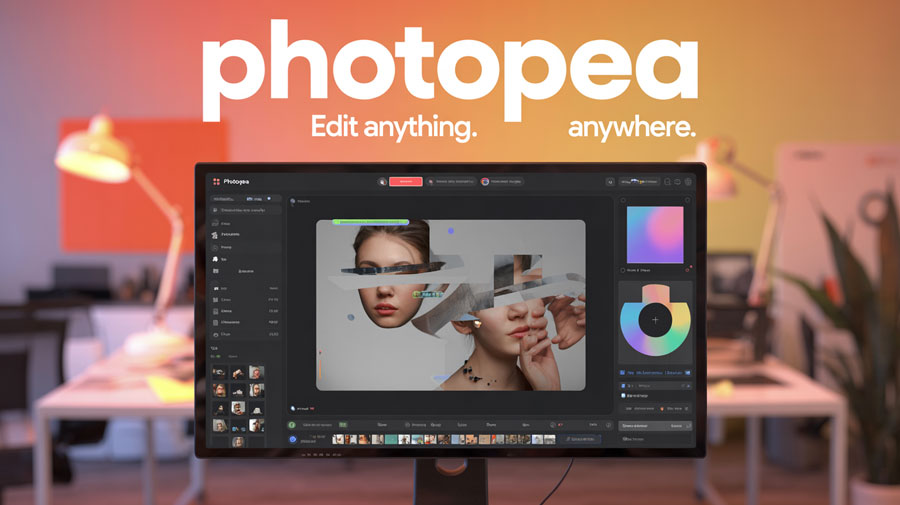
Photopea is a powerful online photo editing tool that has gained worldwide popularity for its versatility, accessibility, and Photoshop-like experience—all without the need to install software. Whether you're a beginner looking to touch up a selfie or a professional designer working with PSD files, Photopea offers a seamless, browser-based solution that caters to everyone.
The Rise of Photopea - A Brief History
Created by Czech developer Ivan Kuckir, Photopea was launched in 2013 with a simple goal: to create a free alternative to Photoshop that could run directly in the browser. Built entirely in JavaScript, it quickly evolved from a side project into one of the most used online photo editors today, boasting millions of monthly users globally. Kuckir single-handedly maintained and updated the platform for years, making it a rare example of a solo-developed app achieving mainstream success.
What Makes Photopea Special? Key Features
- Photoshop Compatibility: Open and edit PSD, XD, Sketch, and even GIMP files directly in your browser.
- Layer Support: Offers layers, layer masks, adjustment layers, and blending modes—just like Photoshop.
- Text and Typography Tools: Add and style text with full control over fonts, spacing, and size.
- Vector Editing: Supports vector shapes and paths, making it ideal for logo design.
- Plugins and Smart Objects: Work with smart objects and integrate with other design tools.
- Brush Tools and Filters: Use customizable brushes, filters, and advanced color adjustments.
- Export Options: Export in PNG, JPG, PSD, PDF, SVG, and more—perfect for both print and digital use.
- Browser-Based Convenience: No downloads, works on Chrome, Firefox, Safari, Edge, and more.
What Happened That Made Photopea Go Viral?
Photopea went viral in design communities and Reddit forums due to its uncanny similarity to Adobe Photoshop. During times when Adobe increased its pricing and introduced subscription-only models, users flocked to Photopea as a free alternative. It also gained massive traction on TikTok and YouTube tutorials, especially among students and freelancers looking for quick, accessible editing solutions.
Popular Websites and Tools Related to Photopea
- Pixlr - Another free online editor with a more beginner-friendly interface.
- Canva - Great for creating social media graphics and simple designs.
- Remove.bg - Use alongside Photopea to quickly remove backgrounds.
- Unsplash & Pexels - Stock photo libraries that pair perfectly with Photopea for content creation.
Frequently Asked Questions (FAQs)
Is Photopea really free to use?
Yes. Photopea is completely free with ads. You can also purchase a premium subscription to remove ads and support development.
Do I need to install anything to use Photopea?
No. It works entirely in your browser—just go to www.photopea.com.
Can I open Photoshop (.PSD) files in Photopea?
Absolutely! It’s one of the few online editors that can fully open and edit PSD files with layers intact.
Is Photopea safe and secure?
Yes, Photopea runs locally in your browser. Your files are not uploaded to any server unless you choose to export them to cloud platforms.
Does Photopea work on mobile devices?
It does, though the best experience is on a desktop or tablet with a larger screen.
Conclusion: Why You Should Start Using Photopea Today
In a digital world where high-quality photo editing is often locked behind paywalls and heavy software, Photopea stands out as a free, powerful, and user-friendly alternative. Whether you're editing a social media banner, retouching a portrait, or crafting a brand logo, Photopea provides professional tools with no strings attached. Try it once, and you might never go back.